Unified Communications
Video, audio, displays and content sharing that work together, so every meeting room starts in seconds.
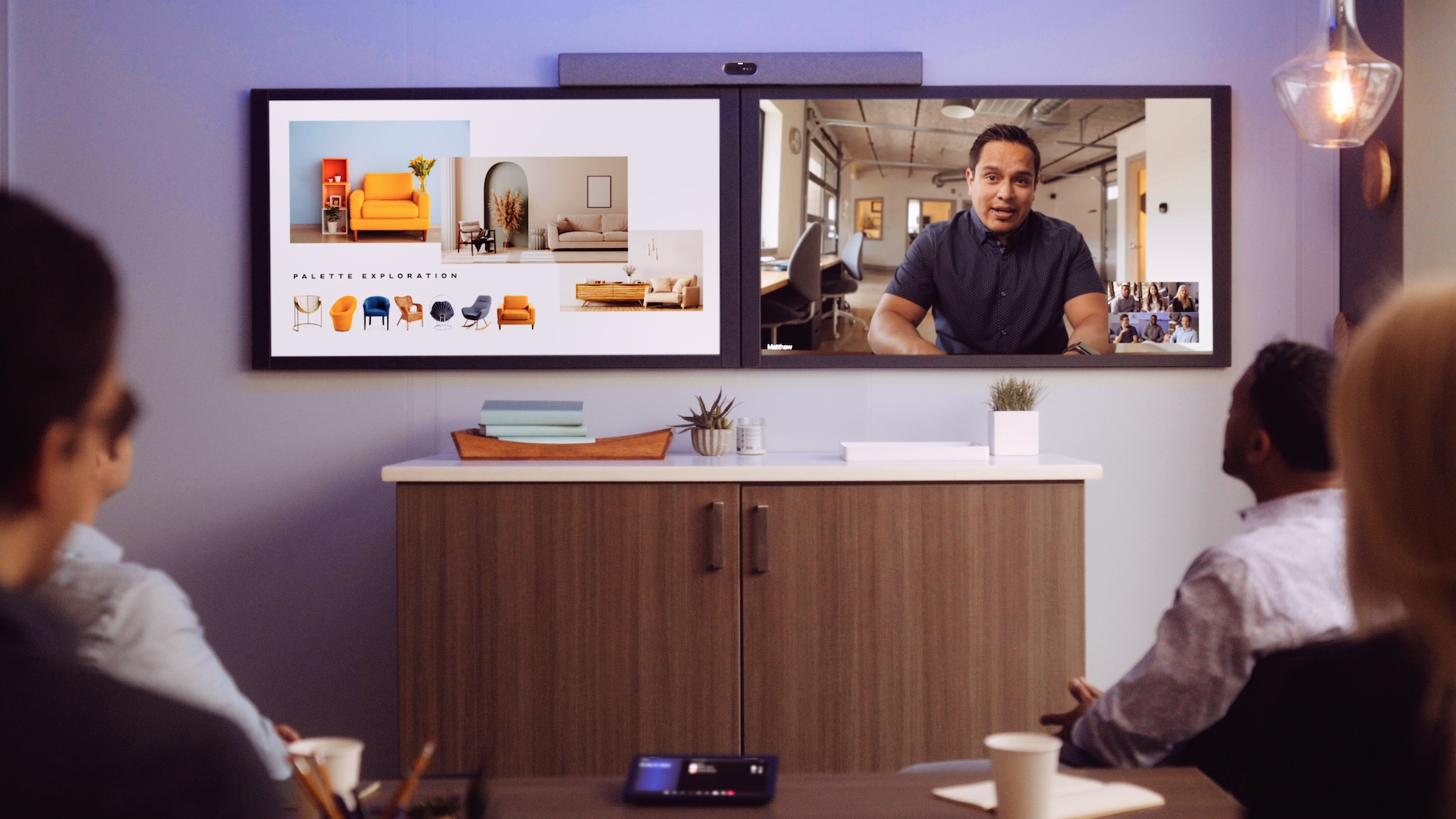
Meetings that begin without a call to IT
Unified communications brings sound, video and content sharing together in one room system, so people present, join calls and collaborate the same way every time. We design, install and support the whole system.
- Clearer communication. Everyone can see and hear, in the room and on the call.
- Easier collaboration. Share content from a laptop or phone without fuss.
- Less setup time. Simple controls so meetings start on time.
- Corporate offices & meeting rooms
- Education & training rooms
- Control rooms & command centres
- Healthcare institutions
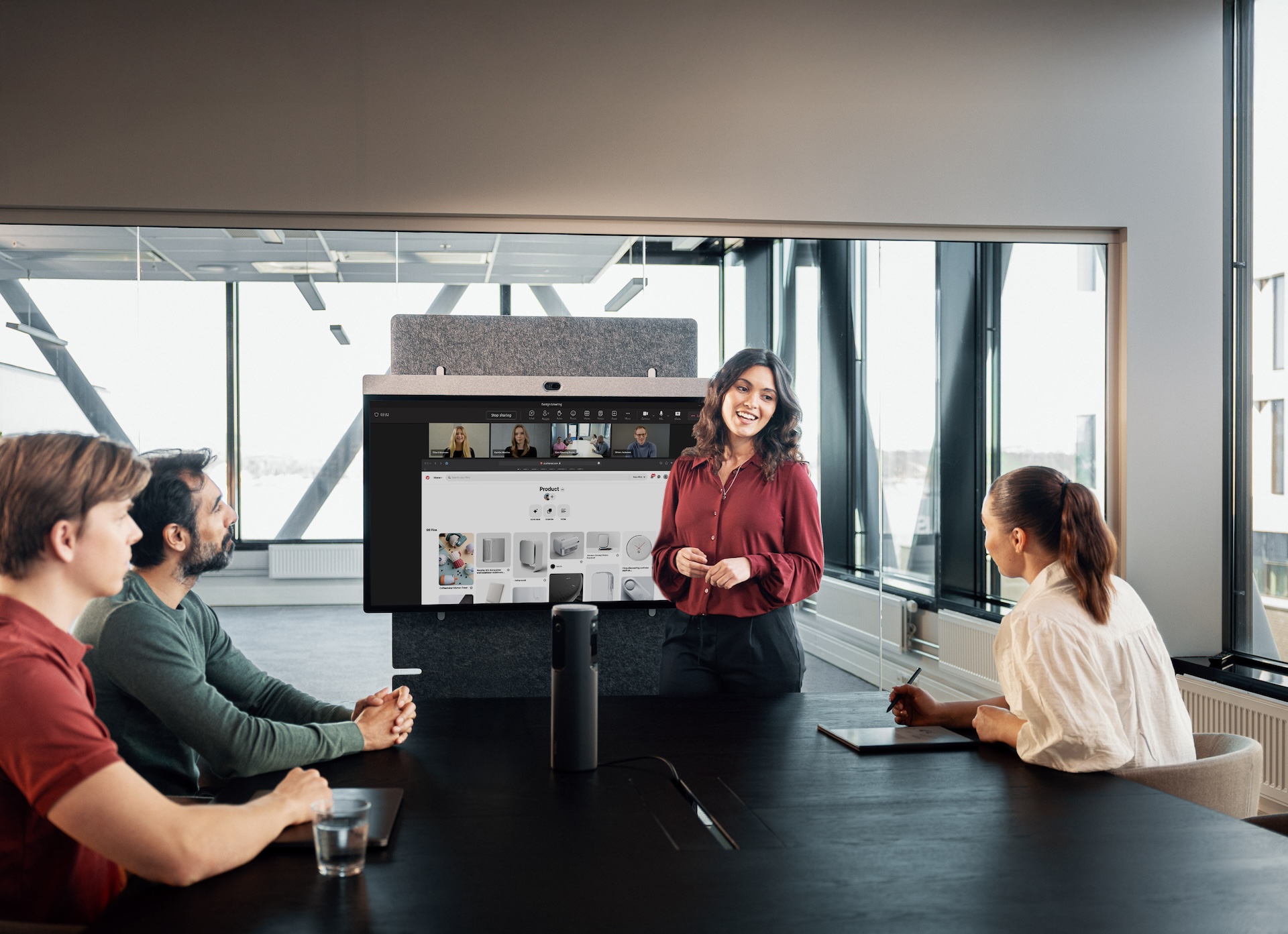
A setup for every kind of room
We size the system to the room and the way it is used.
Compact rooms for quick calls
A simple setup that gives a small team everything needed for a call or a quick review, without a crowded table of cables.
Best for
- Small teams and ad hoc calls
- Shared and informal spaces
- Offices adding more rooms for hybrid work
What you get
- Video conferencing sized for a small room
- Wireless content sharing
- A display matched to the room
- Simple room controls
Rooms where everyone is seen and heard
Larger rooms need audio that covers the whole table, cameras that frame the people, and controls that anyone can use.
Best for
- Corporate meeting rooms
- Boardrooms and client-facing rooms
- Rooms used for regular calls with remote teams
What you get
- Video conferencing with cameras and microphones
- Audio distribution across the room
- Wired and wireless content sharing
- Control systems that simplify the room
Spaces where many people need to see, hear and share
Training rooms and control rooms need larger displays, clear audio throughout, and reliable control of many sources.
Best for
- Education and training rooms
- Control rooms and command centres
- Healthcare institutions
What you get
- Large displays or video walls
- Audio distribution throughout the room
- Control systems to manage sources and displays
- Video conferencing for remote participants
Not sure which fits your rooms? A short walkthrough usually settles it. Book a free room walkthrough
What is included
Six building blocks. We combine the ones each room needs.
Video conferencing
Cameras, microphones and displays chosen for the size and layout of each room.
Wireless presentation
Share from a laptop or phone without hunting for cables or adaptors.
Audio distribution
Speakers and microphones placed so everyone can hear and be heard.
Control systems
Simple room controls so staff can run a meeting without technical help.
Displays and video walls
Screens sized to the room, from a single display to a tiled wall.
Command centres
Large video displays and shared sources for control rooms and operations teams.






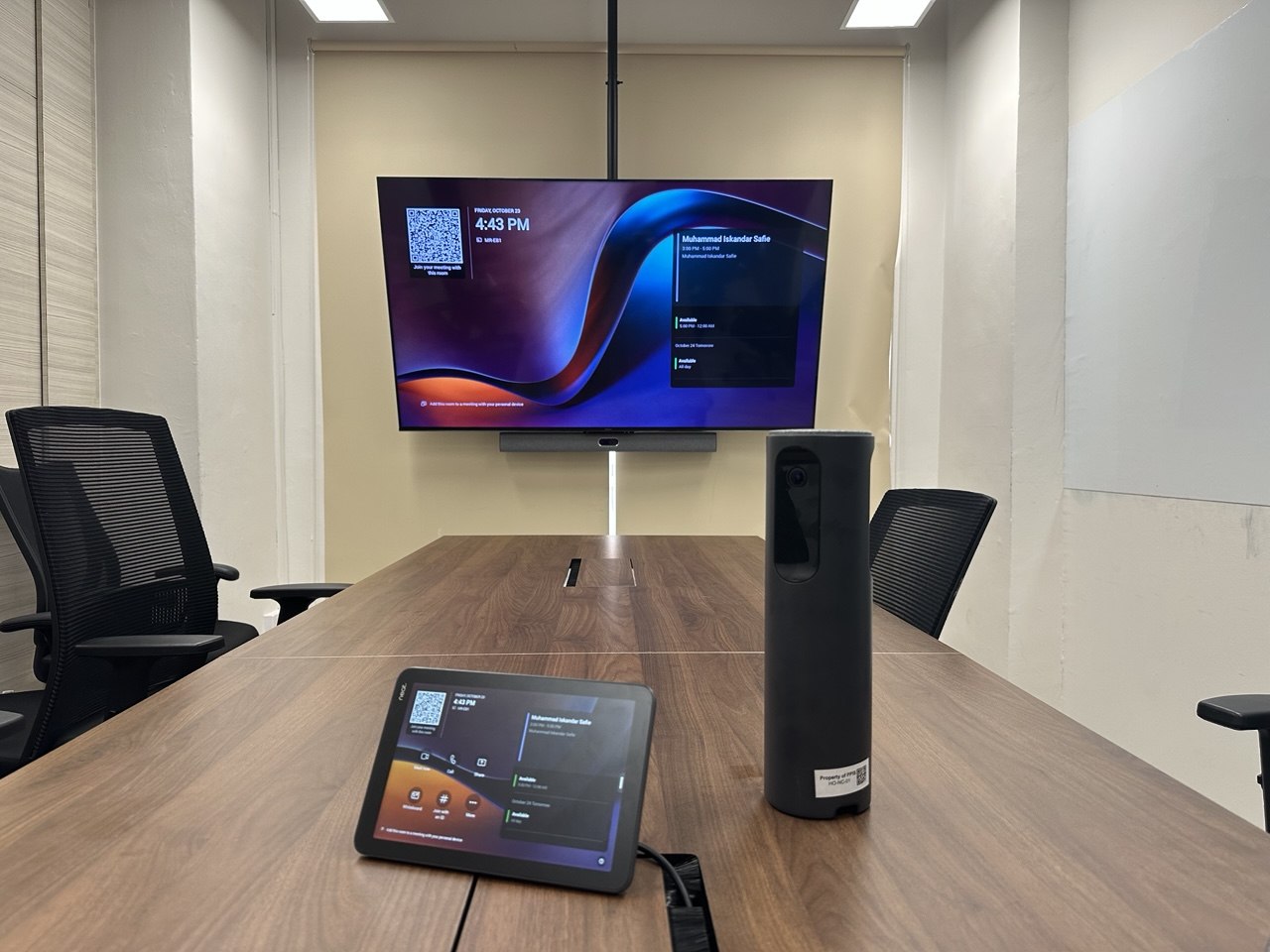
Persatuan Pemudi Islam Singapura
All-in-One Video Bar setup with 360° Video System
Delivering seamless & HD video and audio for meeting rooms, capturing every participant clearly from all angels.
- Medium to Large Meeting Room
- Firs more than 12 participants
Common questions
Which conferencing platforms do your rooms work with?
Can we keep our existing displays or equipment?
How do people share from their laptops?
Will it be easy for non-technical staff?
How much does it cost?
What support is available after installation?
Often installed with